
PACE Primer
PACE Networking
The intended audience for this article is the layperson. The intent of this article is to try to present basic information about networking, in a minimally technical way, in order to better understand the IT person’s concerns and explanations.
Click here to see a complete diagram of PACE networked, suitable for your IT person.
The diagrams in this article are just for visualisation of theory, they are not ‘technically’ correct.
The reason for networking computers is so you can:
- share information between computers without using USB sticks or other devices
- run PACE on more than 1 computer at a time
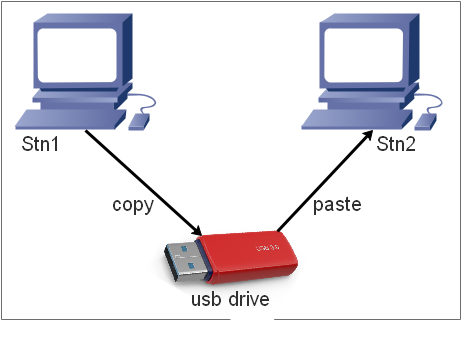
When computers are not networked, sharing data requires the use of a USB drive (or other media such as DVD etc.)
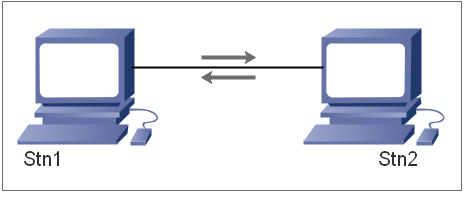
When computers are networked then data is shared over the data cable that connects the computers.
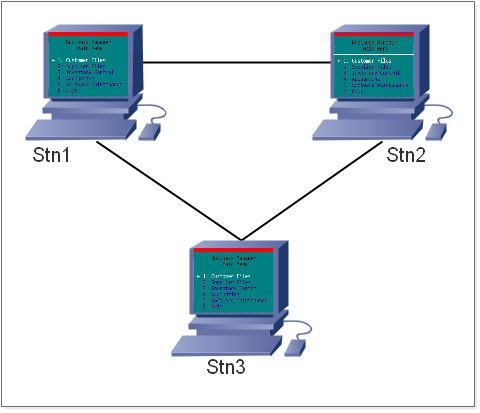
PACE is most productiive when it is running on more than just 1 computer, whether for the bookeeper, the technicians in the shop or another service advisor.
Complications
Most modern IT companies/people don’t want the hassle of dealing with DOS programs — the majority of them have no experience with DOS which is understandable given the infrequency of the need to deal with DOS. Also, it is very difficult to charge for all the time spent troubleshooting DOS, it is the same problem auto repair shops face with charging all the time to diagnose a troublesome vehicle.
In the early years of PACE the solution to setting up a DOS networking environment was to use a program called LANTASTIC.
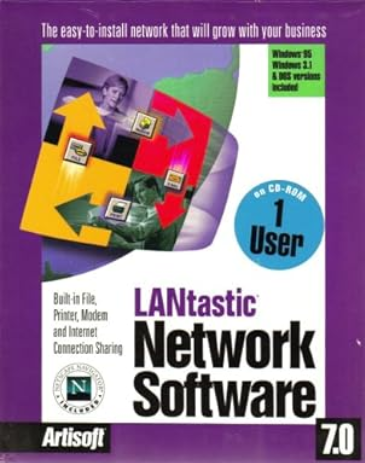
Lantastic provided a solution to network DOS. Windows 98 was the last operating system that Lantastic would run on.
Note that Windows 98 was just a graphical user interface (gui), it was actually still running on DOS.
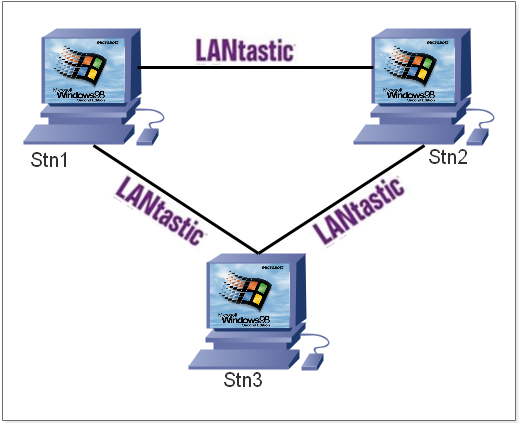
As Windows 2000 and XP became popular, and Windows 98 machines were failing, the IT people saw no way to network a DOS program so their advice (based on limited information) to shop owners was that they had to switch to a new program. This was the start of the exodus from PACE to alternate “business manager” programs.
At that time a solution to network PACE computers without Lantastic was developed but was ignored by PACE management. The solution was adopted (successfully) by relatively few shops during that time. That solution continues to work to this day even with Windows 11 setups.
Some Terminology
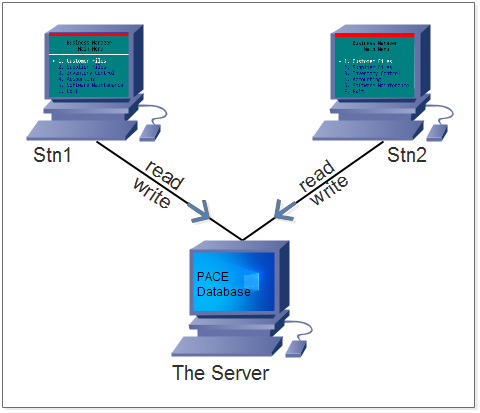
A Server is a machine whose sole job is to store data. Other machines make requests to use the data.
A Work Station is a machine that runs the programs you use. Work Stations read or write files stored on the Server. The resut is that files on the Server are available to every Work Station that is connected to the Server.
The Crucial Factors
1. The red-coloured dongle is required for networking. 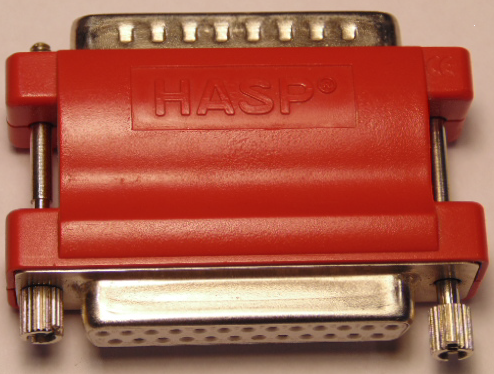
2. All devices in the network need to be connected to an uninterruptible power supply (UPS) which, essentially, is a large battery.
3. The speed of the entire network will be reduced to the slowest device therefore all computers, devices and cabling need to be rated for 1gb (gigabyte) speed.
4. The best setup includes a (DOS) machine dedicated to running the “Lock Manager” program that is responsible for locking files.
5. PACE cannot run on a wireless connection.